
Canva
How to customise Canva templates without losing the design
Templates are a system, not a suggestion. Five rules to keep your posts looking designed after you edit them.
By djgraphix · 2026-05-18 · 4 min read
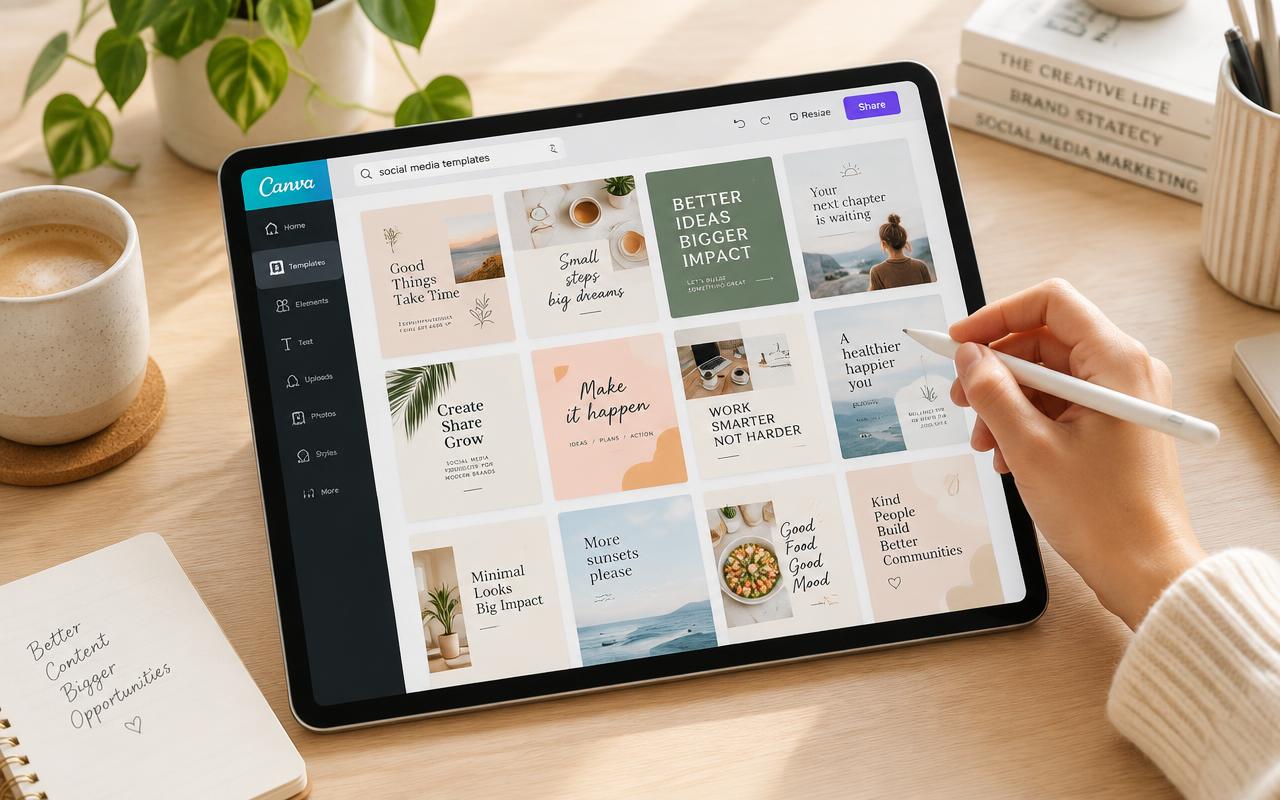
A good template has already made the hard decisions — spacing, hierarchy, alignment. Your job is to change content, not structure.
Five rules
- Change text, not text size.
- Swap photos, keep crops.
- Use the palette provided; add one colour at most.
- Never move elements off the grid.
- Delete elements rather than shrinking them.
When you do need to change layout
Duplicate the page first. Make one change at a time. If it looks worse, you know exactly why.